Chrome extension · QA & developer tools
TraceSnap QA
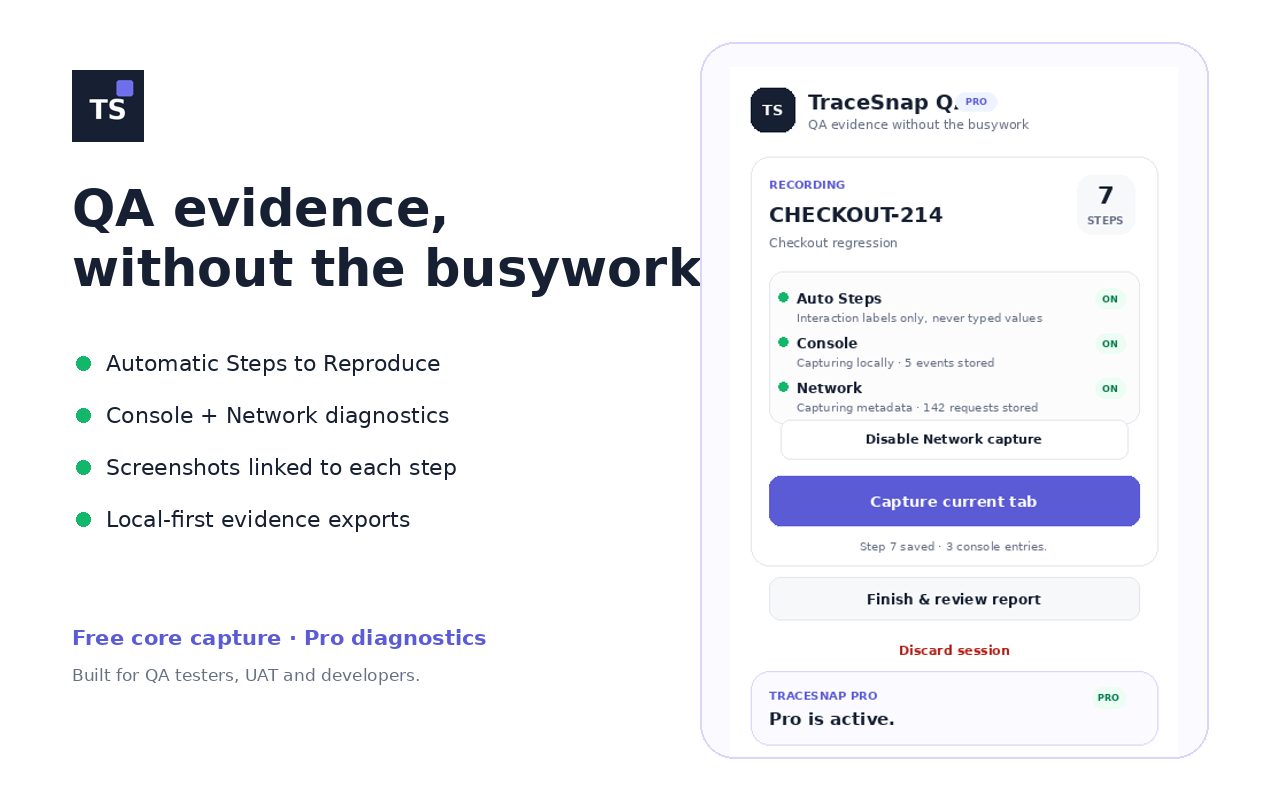
Turn a testing session into structured bug evidence: screenshots, automatic steps, console diagnostics and network metadata.
Free
Capture the evidence.
TraceSnap links screenshots to the actions performed during a test and drafts Steps to Reproduce automatically, so bug reports take less manual work.
- Visible-tab screenshots
- Automatic reproduction steps
- Structured HTML evidence report
- Local-first session storage
Pro
Diagnose what went wrong.
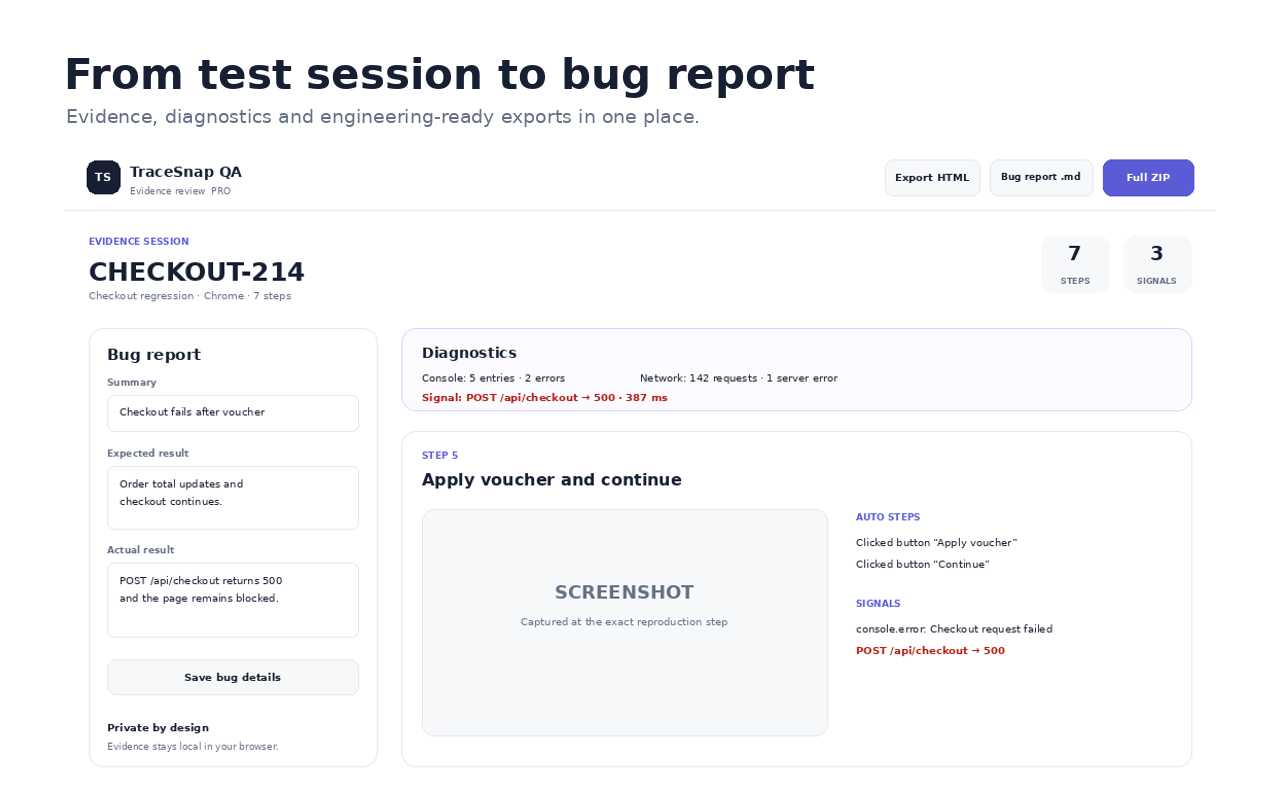
TraceSnap Pro adds browser diagnostics and richer exports for testers and developers who need evidence beyond screenshots.
- Console logs, warnings and JavaScript errors
- Optional network request metadata
- HTTP status codes, timings and failures
- Full evidence ZIP
- CSV and JSON diagnostics
- HAR network export
- Markdown bug report for Jira or GitHub
Pro: $19 one-time.
Privacy-first
Your QA evidence stays local.
TraceSnap does not send screenshots, console logs, reproduction steps or network diagnostics to a Glasskai server. Network capture is optional, and sensitive request content such as bodies, cookies and authorization headers is not intentionally captured.